
Describe it.
VedPilot edits it.
Drop in your footage and tell VedPilot what you want. It cuts clips, removes silences, adds captions, B-roll, visuals, voiceovers, animations, and effects directly on a real editable timeline.


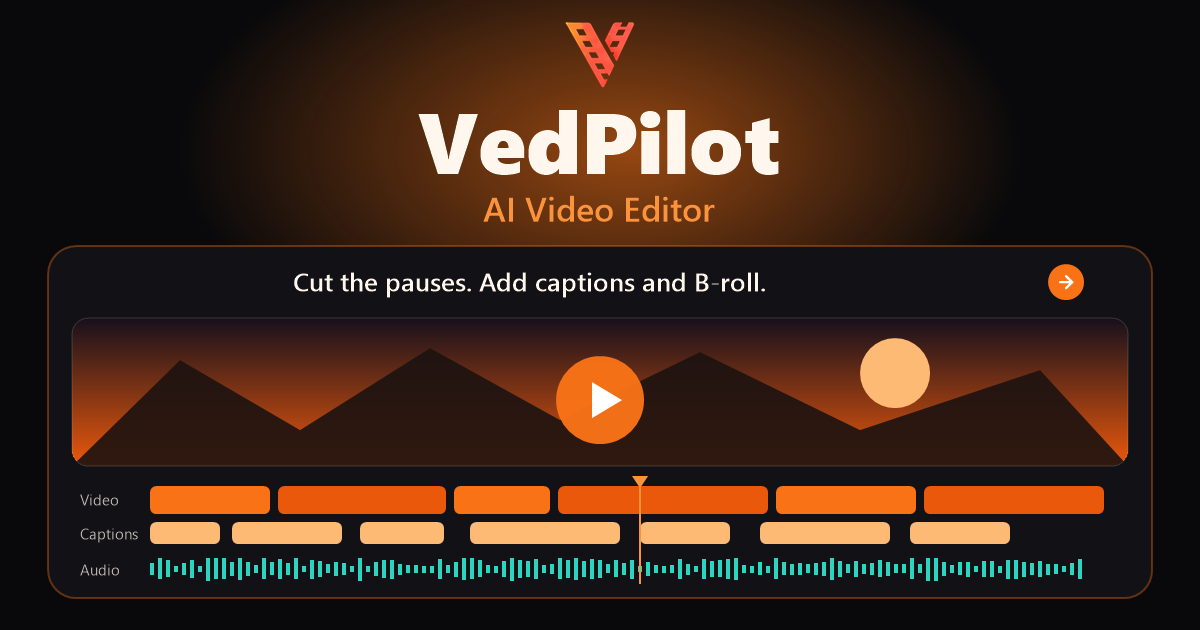
One AI Vibe Video Editor, the complete creation workflow
30 video and 23 image models
Animations, transitions, effects, Lottie, stickers, and smart elements
Animated presets built into the editor
Preview each voice before generating
A LITTLE INSPIRATION. ENDLESS POSSIBILITIES.
See the edit happen.
Your ideas. Videos you’re proud to share. See how easily they can come together.
Tell VedPilot what you’d change, then watch your next video come together.
01 / 16Illustrative editing previews.
Everything Is In The Box
Seven real creative tools. One unified studio.
Generate, assemble, caption, narrate, and fine-tune in one AI Vibe Video Editor.
AI Assistant
Edits your real timelineDescribe a title, cut, transition, scene, or full first edit.
AI Video
Text and image to videoGenerate new clips from a sentence or a source image.
AI Images
Create and edit visual assetsBuild characters, backgrounds, thumbnails, and textures.
Voice & Captions
Built into the same projectAdd AI voice-over and animated auto captions.
Faceless Video
A complete guided workflowTurn a topic into an assembled faceless explainer.
Pro Timeline
Full manual control underneathEdit with tracks, keyframes, masks, transitions, and effects.
HyperFrames & Lottie
Animations GeneratorGenerate animations, then modify them in realtime.
AI First Workflow
From raw footage to an editable first cut
The assistant handles the first pass while every track remains yours to adjust.
Attach your footage
Add at least one video, choose the aspect ratio and frame rate, then describe the edit.
VedPilot understands it
The AI imports and transcribes each clip before assembling the project timeline.
The first cut takes shape
It adds transcript captions, removes silence gaps, and applies AI-assisted polish.
Finish it your way
Add generated media or voice, adjust every track manually, then export in your chosen format.
Everything Is In The Box
AI helps build it.
The timeline keeps it editable.
You stay in control.
VedPilot is the AI Vibe Video Editor that combines an assistant editing your real project with built-in generation and a professional multi-track timeline.
- AI Assistant: Edits your real timeline
- AI Video: Text and image to video
- AI Images: Create and edit visual assets
- Voice & Captions: Built into the same project
- Faceless Video: A complete guided workflow
- Pro Timeline: Full manual control underneath
- HyperFrames & Lottie: Animations Generator
Describe a title, cut, transition, scene, or full first edit.
Chat with the editor, then fine-tune every result.
The Next-Gen Difference
Built for creators who value time
Keep generation, AI assistance, and detailed timeline editing together in one AI Vibe Video Editor.
Built For Every Creator
Supercharge your output, whatever your niche
The same built-in tools adapt to long-form, product, learning, and social projects.
YouTubers & Streamers
Transcribe talking-head footage, remove silence gaps, add captions, and polish the timeline.
Growth Marketers
Create product visuals, generate video clips, add voice-over, and finish each variation.
Brands & SaaS Teams
Build product explainers, feature walkthroughs, and onboarding videos in one editor.
Educators & Coaches
Combine lessons with generated visuals, AI voice-over, captions, and a multi-track timeline.
TikTok & Reels Creators
Create vertical projects in 9:16, add animated caption presets, and refine every track.
Simple, Creator-First Pricing
Start at $9. Scale when your channel does.
Every plan includes the complete editor and all available models. Pick a coin pack that matches how much you generate.
Starter
For first real AI edits.
- All available AI models
- AI voice-over and auto captions
- Full multi-track editor
Creator
For regular AI edits.
- All available AI models
- AI voice-over and auto captions
- Full multi-track editor
Pro
For daily production.
- All available AI models
- AI voice-over and auto captions
- Full multi-track editor
Questions, Answered
Everything you need to create with confidence
As an AI Vibe Video Editor, VedPilot gives beginners AI speed and experienced editors the control they expect.
Most AI video tools generate something for you and leave you with the result. VedPilot actually edits a real multi-track timeline. Ask for cuts, captions, B-roll, visuals, animations, voiceovers, or entire edits, then jump into the timeline and tweak anything yourself.
Yes. Give VedPilot your footage and describe what you want. It can understand your media, build the timeline, remove silences, create captions, add B-roll and visuals, generate voiceovers, apply effects, and help shape the finished video.
Absolutely. This is the whole point. AI does the tedious work, but every cut, clip, caption, effect, animation, and layer lives on a real editable timeline. Change anything whenever you want.
No. Beginners can create by simply describing what they want. Experienced editors can use VedPilot as an AI editing partner to get through repetitive work dramatically faster, then take over for the details.
YouTube videos, Shorts, Reels, faceless videos, explainers, talking-head edits, tutorials, ads, social content, and more. Start with your own footage, generate media with AI, or combine both.
Because you shouldn't have to manually do every tiny editing task anymore. Tell VedPilot what you want in plain English, let AI handle the heavy lifting, then polish the result yourself when you want to.
Coins are used for AI-powered generation, such as video, images, voiceovers, and other AI actions. Different models cost different amounts, so you can choose between fast, affordable models and premium models depending on the job. Your pack resets each billing cycle even if unused coins remain, and used coins are not refunded.
Turn your next video idea into a cinematic reality today
Build your first AI-assisted video today, then keep full timeline control as your ideas get bigger.